Sample Recap
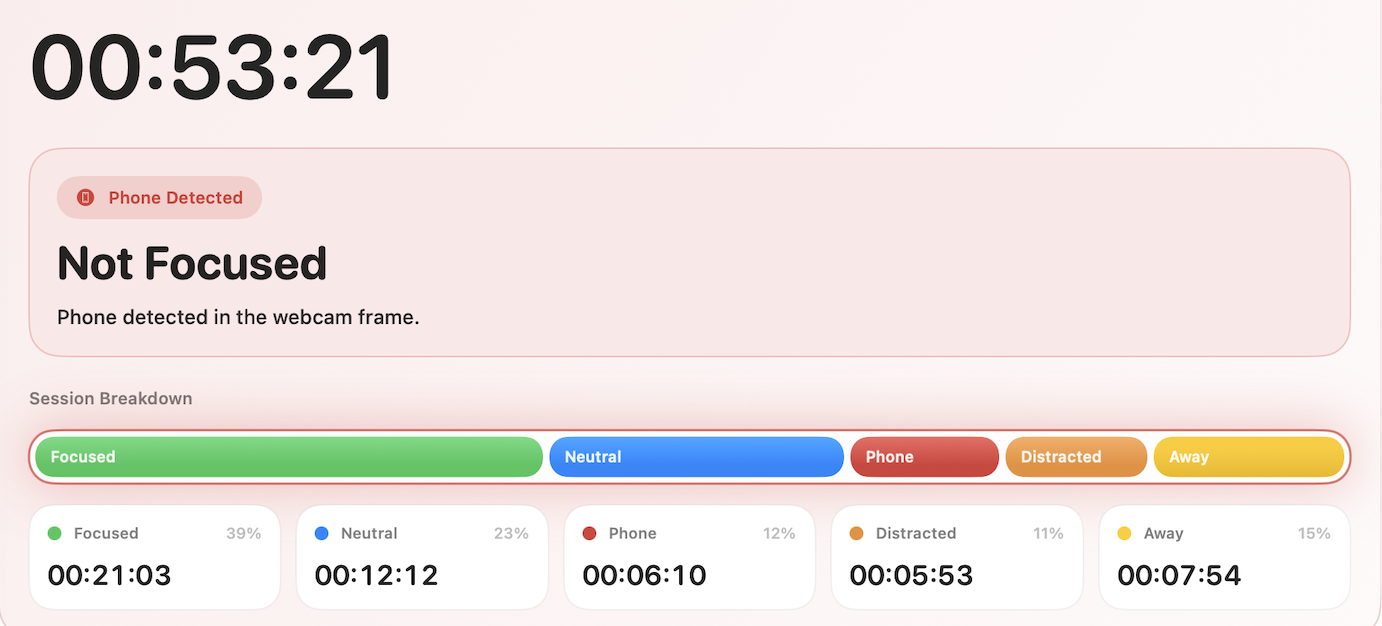
A real session becomes a visible timeline.

Focus tracking for Mac
ActualFocus runs quietly during a work session and shows you a minute-by-minute recap of when you were focused, when you drifted, and when you walked away, so you stop guessing how productive you really were.
Runs entirely on your Mac. No account, nothing sold.
Sample Recap
A real session becomes a visible timeline.
What One Session Shows
You were working, you drifted, you stepped away, or you opened something distracting. ActualFocus lays it out on a single timeline with no hidden score and no guesswork.
The app or site you were actually working in
The moment you switched to something distracting
When you walked away from your desk
Optional camera-caught look-aways and away time
How It Works
Tracking is manual by default, so it only runs when you mean it. Pick the session type that fits the work.
ActualFocus follows the app or site you are actually using and ignores background noise.
At the end you get focused stretches, distracting switches, and step-aways on one timeline.
Better Than a Timer
Anyone can run a 25-minute timer and spend 20 of those minutes on another tab. ActualFocus measures the quality of the session, not just the clock, so the recap holds you accountable to what you actually did.
Accountability
Run a group study sprint, create a private challenge room, or share a verified solo session when someone asks if you actually studied. ActualFocus keeps the sensitive record local and shares only the result summary.
Optional Camera Checks
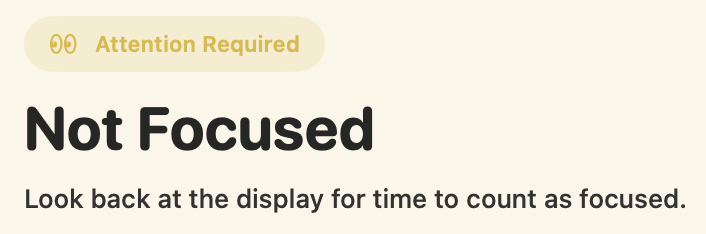
Turn on camera tracking and ActualFocus can catch look-aways, away time, and, if you want it, phone use on device. Prefer no camera? Use a Camera-less session and everything else still works.
Trust Boundary
Session timelines, camera checks, and app/site history are designed to stay on your Mac unless you export them.
Try the current beta without signing up for anything.
Every public build is notarized before release so macOS can verify it on first open.
The intended model is paid personal software, not ads, employer monitoring, or selling session data.
Want to verify before installing? Releases Browser Transparency GitHub extension code Privacy
Try One Real Session
Install it, run one session, and decide whether the recap feels honest on your own Mac.
Sensitive records are designed to stay on your Mac. Camera frames never leave the device.
Yes. Camera-less sessions track the app or site in front of you with no camera at all.
A Mac on macOS 15+. The current public build is a direct Apple-notarized download.